How to connect Botize to Amz.tf

October 24, 2024
Webmaster
Webmaster
Webmaster
Webmaster
3 mins read
How to connect Botize to Amz.tf

Do you want to connect your Amz.tf account to Botize? This guide will help you set up your Amz.tf account on Botize.com and shorten your Amazon links and more.

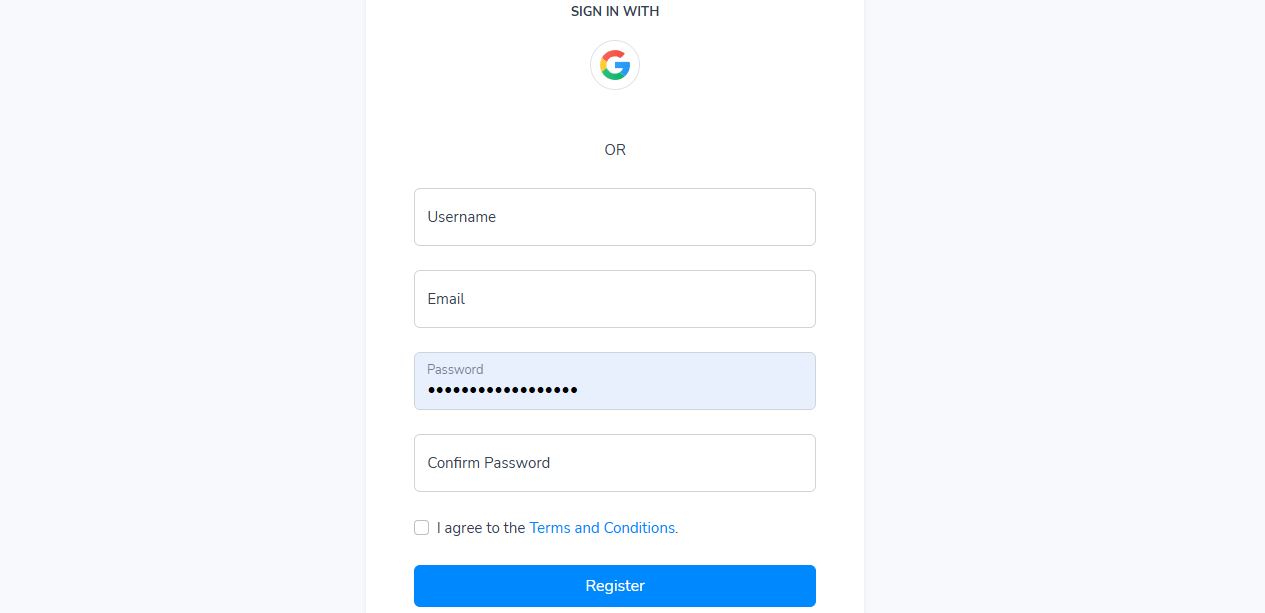
The first thing to do is register by clicking on this link. If you have already done so, simply log in and enter your control panel.


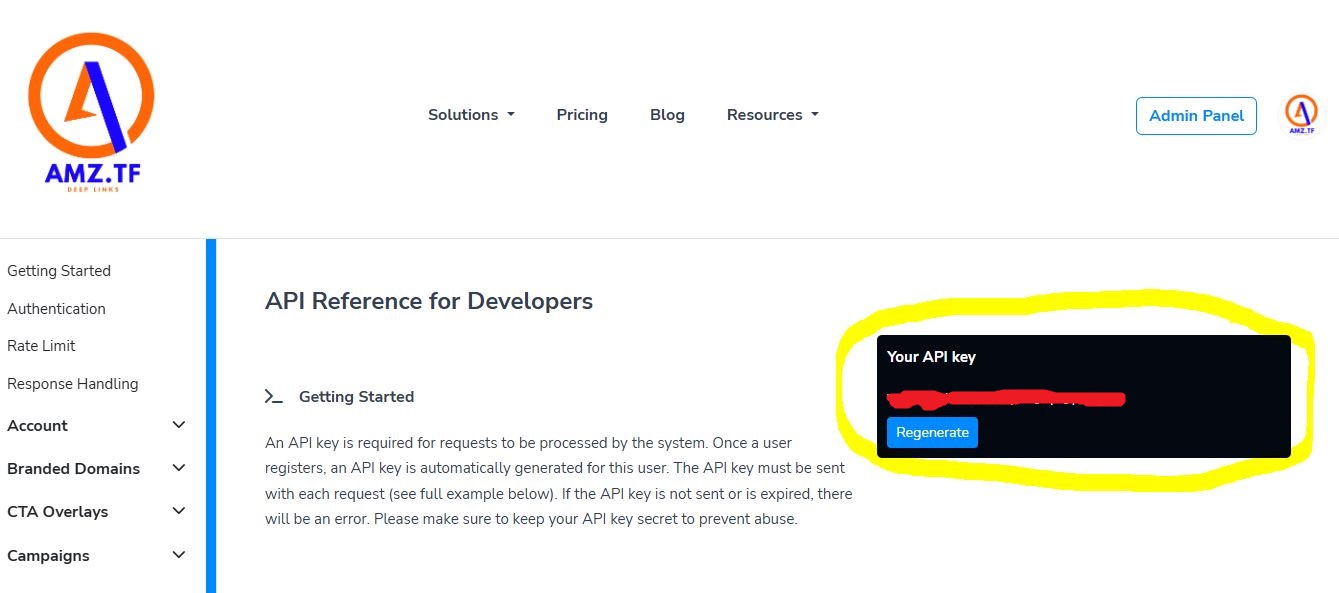
To find out your api key (which allows you to create deep links), click on this link and copy the apy key associated with your account.


Now you need to go back to the botize.com site, and create a new task by CLICKING HERE


Click on ADD NEW PROFILE and a new window will open
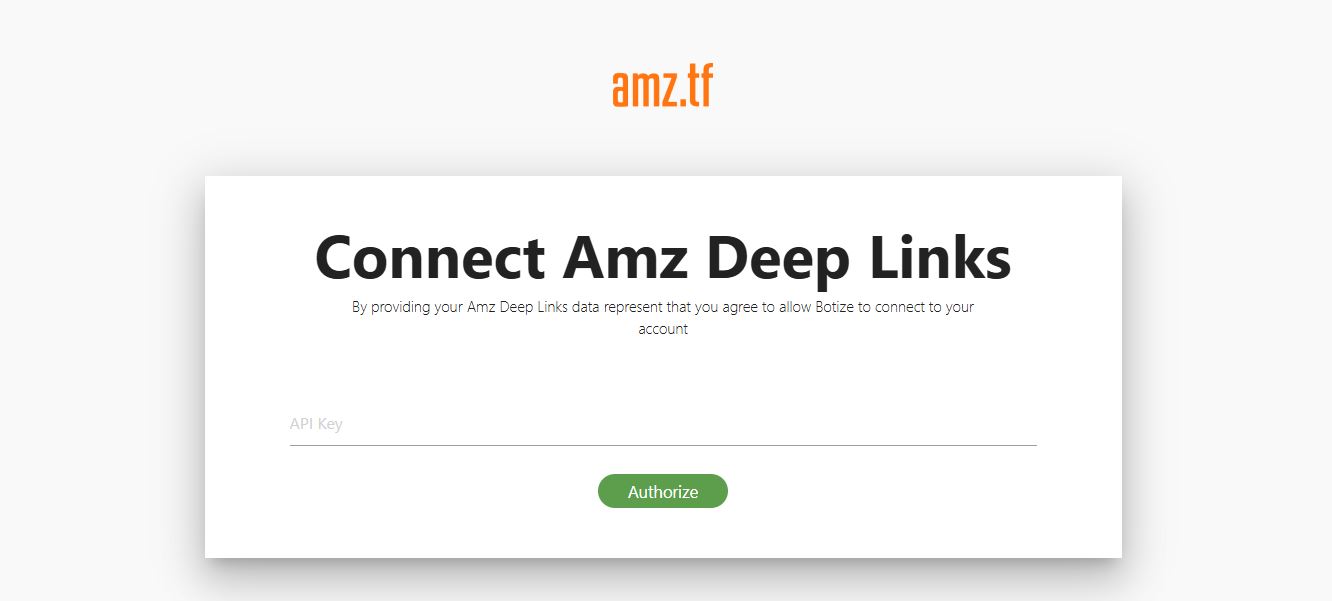
 

At this point enter your Api Key and click on authorize. You will see that the last window will close and after a few seconds on the main page, the created account will appear. From this moment, the system will automatically create Amz.tf links.

 

Keep reading

More posts from our blog

Why Facebook Doesn’t Open Links in Official Apps, But Only in Its Browser
By Webmaster October 31, 2024
In today’s digital age, Facebook is a primary platform for connecting, sharing, and interacting online. Yet, one feature has puzzled many users: why...
Read more
How to Install the amz.tf Application on Your Device
By Webmaster October 26, 2024
The amz.tf platform offers a streamlined way to access its services directly from your device’s home screen. Follow the steps below to install it as...
Read more
How to Create a Short URL with amz.tf
By Webmaster October 26, 2024
Creating a short URL on amz.tf is a quick and easy process. In this guide, we'll walk you through how to shorten Amazon product links in just a few...
Read more
Telegram SUPPORT